
Contra Costa County Criminal History Checks
Start with the record closest to the event. The Contra Costa Superior Court criminal-records office is the source for filed cases, dispositions, and court copies. The Sheriff’s in-custody tools cover people now held in county facilities, while police departments retain their own incident reports. California Department of Justice history is different: it is a subject-only review based on fingerprints, not a public name search.
Gather a full legal name, date of birth, approximate event date, city, and any case or booking number. Common names and aliases can produce a false match. Use this sequence to keep the sources straight:
- Check the Superior Court index for a filed criminal case.
- Use the Sheriff’s locator for present county custody.
- Ask the arresting police agency for its releasable report.
- Order court copies to confirm the final disposition.
- Use California DOJ record review for your own statewide history.
Martinez Is the Records Hub
Much of the county justice system is concentrated in Martinez. The Sheriff’s headquarters, Martinez Detention Facility, District Attorney, Probation Department, and central court functions sit within the same county seat. That geography does not merge their records. A booking at the detention facility is a Sheriff record; a complaint filed by prosecutors becomes a Superior Court case; and supervision information belongs to probation.
The county’s public-records page helps route requests to the department that created a file. The official county page is also represented in this captured view:
View the Contra Costa County public-records source.
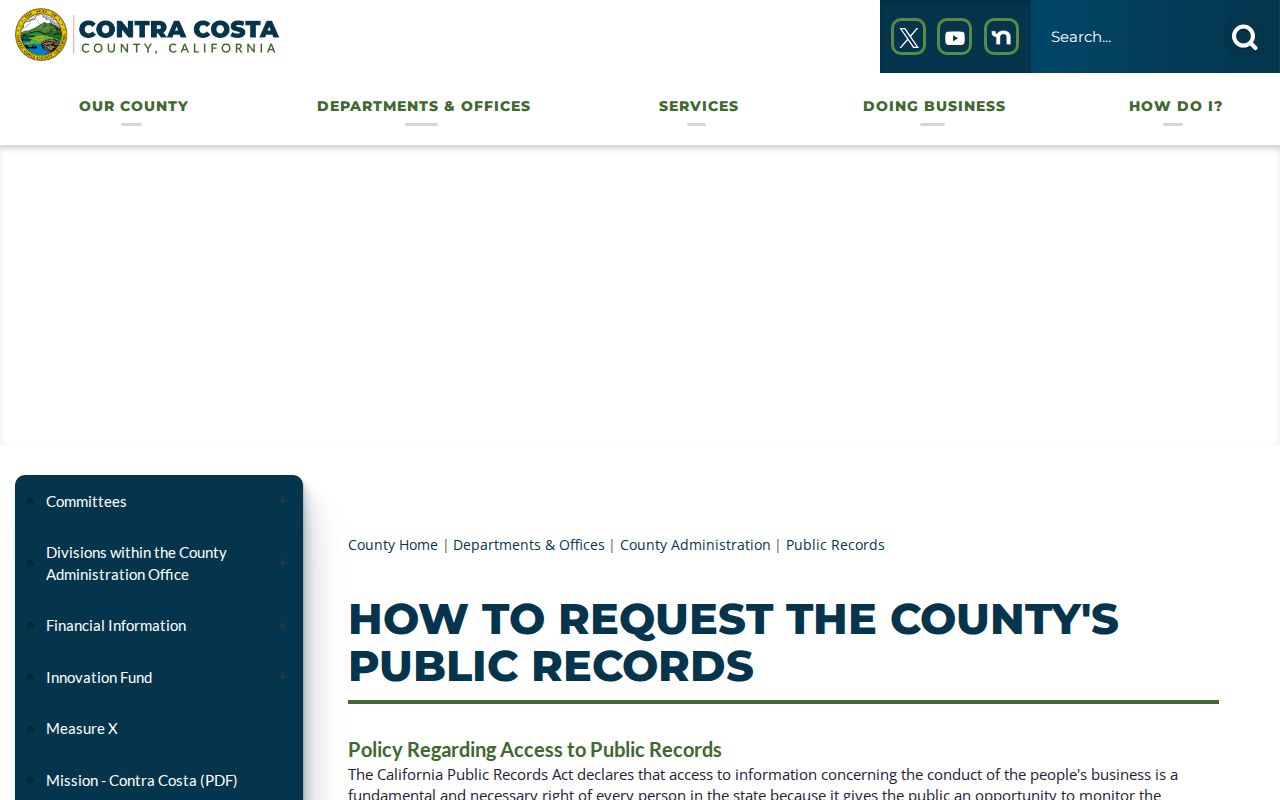
The image reinforces the key routing rule: identify the department before submitting a request.
Official Background Checks in California
The California Department of Justice Record Review lets a person inspect their own California criminal history. California does not offer a public DOJ name-search product. A resident generally uses Live Scan and the record-review request form; a person outside California can follow the DOJ fingerprint-card process. The resulting record may show arrests, dispositions reported to DOJ, and state identifiers.
Live Scan at approved sites is the fingerprint channel for authorized checks. The purpose and requesting agency determine which form and level of search apply. Court and Sheriff searches remain useful for public access, but neither replaces a fingerprint-based DOJ response. FBI identity-history review is a separate federal process and should not be treated as a county court search.
The Court Portal Stops at the Index
Contra Costa’s Public Portal can locate criminal case-index information, yet criminal case documents are not available as public online images. Search results may help identify a case number and location, but the underlying complaint, minute order, or disposition must come from the criminal clerk. This distinction matters when a result lists activity without enough detail to explain the outcome.
The court’s order file and records page explains the copy route. Its source capture shows where requesters move after finding an index entry:
Review the court’s records-order instructions.
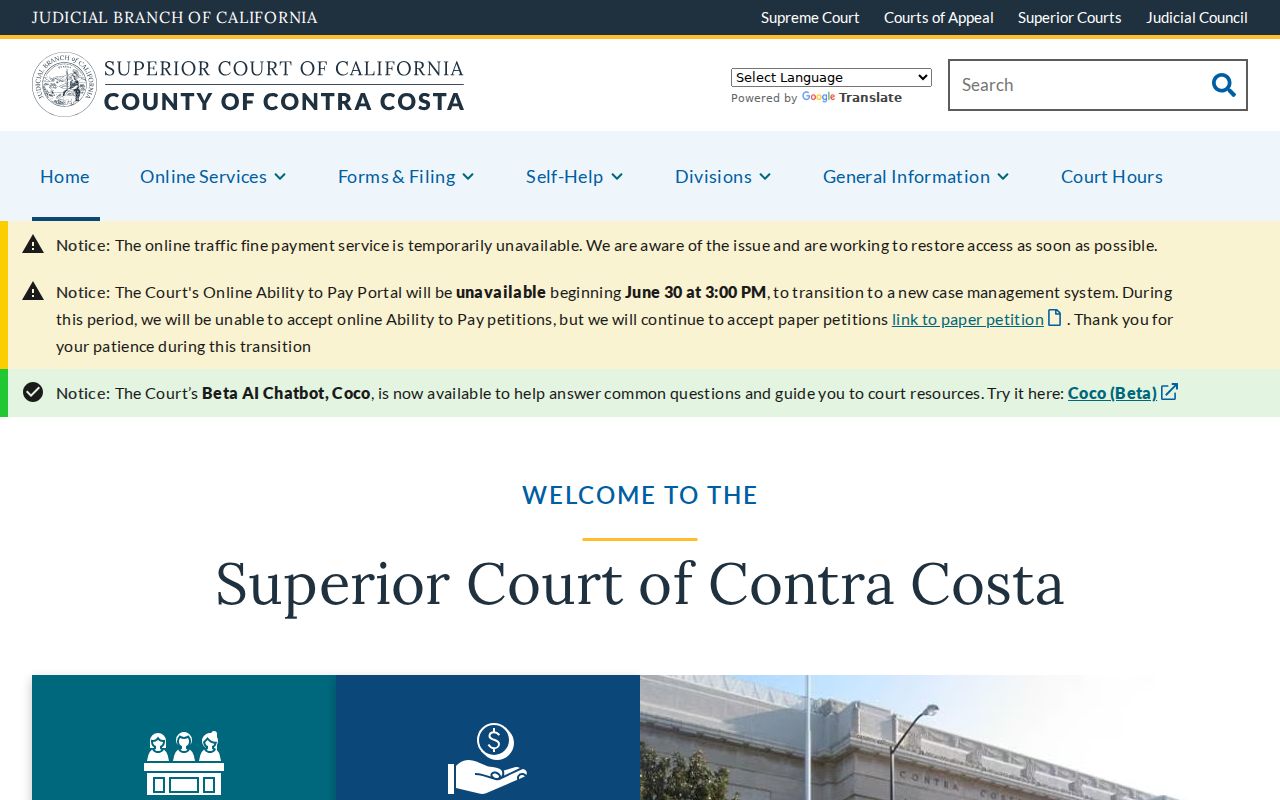
Use the case number from the index to reduce delay and distinguish people with similar names.
Kinds of Criminal Records
Each record answers a different question and can change on a different schedule. A recent booking may exist before prosecutors file a case. A court disposition may appear after the jail entry has gone stale. State history depends on reports sent by contributing agencies.
- Police reports describe an incident or arrest and remain with the investigating agency.
- Booking records identify intake, charges at booking, bail, and custody status.
- Court files track charges, hearings, pleas, rulings, and disposition.
- DOJ history compiles state-reported events for subject review.
- Registry records disclose only the information authorized under Megan’s Law.
A warrant deserves special care. The Contra Costa Sheriff states that it does not provide warrant information to the public. A court clerk can address a court-issued bench warrant tied to a known case, but safety and legal advice should come from counsel or the issuing authority.
Searching the In-Custody Locator
The Sheriff’s In-Custody Reports provide the county’s direct route to current detention information. A search works best with the person’s first and last name or booking number. The result concerns present custody, not a lifetime arrest history. A name that does not appear may reflect release, transfer, spelling, timing, or the fact that the person was never booked into a county facility.
The locator is best used for a current status check. California VINE can add custody-status notifications after the initial lookup. If the person has been released, the police report and later court index become more useful than the live jail list. A booking number can also separate two people who share a name.
Contra Costa Criminal Records: What They Contain
Read every field in context. Identifiers help confirm that the record belongs to the right person. Arrest and charge fields describe allegations at a point in time. The disposition states how the court resolved a filed count, and the sentence records the court’s order. Custody and supervision fields can change after the judgment.
| Name and identifiers | Legal name, aliases, date of birth, and agency or case numbers when public. |
|---|---|
| Arrest and booking | Booking date, arresting agency, alleged offenses, bail, and facility status. |
| Charges and statutes | Filed counts and the cited California code sections. |
| Disposition | Dismissal, conviction, acquittal, plea, or another court result. |
| Sentence | Custody, fine, probation, and other orders shown in the court file. |
| Supervision | County probation or CDCR parole status where lawfully public. |
- Arrest
- A detention based on probable cause, not a finding of guilt.
- Disposition
- The result of a charge in court.
- Rap sheet
- A state criminal-history summary compiled from agency reports.
Three Criminal Records Counters
Criminal clerk service is available through county courthouses in Martinez, Pittsburg, and Richmond. The right counter often depends on where the case was heard. Martinez serves central county matters, the Richard E. Arnason Justice Center in Pittsburg serves East County, and the George D. Carroll Courthouse in Richmond serves West County. Court phone service ends earlier than many public counters, so check current hours before relying on a same-day call.
The court lists current locations at its official locations page. A captured view of that source follows:
Confirm a courthouse before visiting.
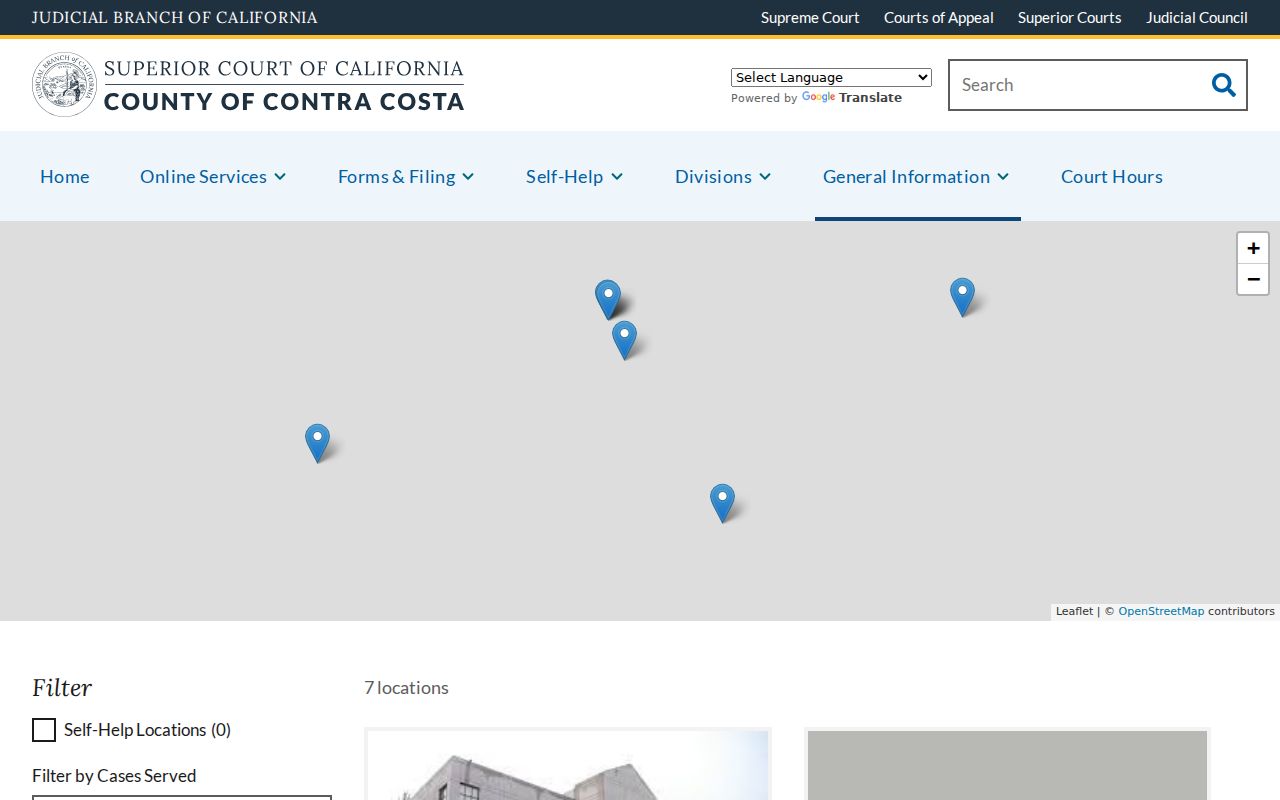
Bring the case number and specify whether a plain, certified, or exemplified copy is needed.
Court Phones Close Before Counters
The Superior Court answers location phones from 8:00 a.m. to 3:00 p.m., while clerk windows remain open until 4:00 p.m. on court days. Drop-box filings placed between 8:00 a.m. and 5:00 p.m. are treated as filed that day. These cutoffs matter when a requester wants to confirm a case number before traveling or must arrange a copy request near the end of the day.
Check the official court-hours page for current service times.
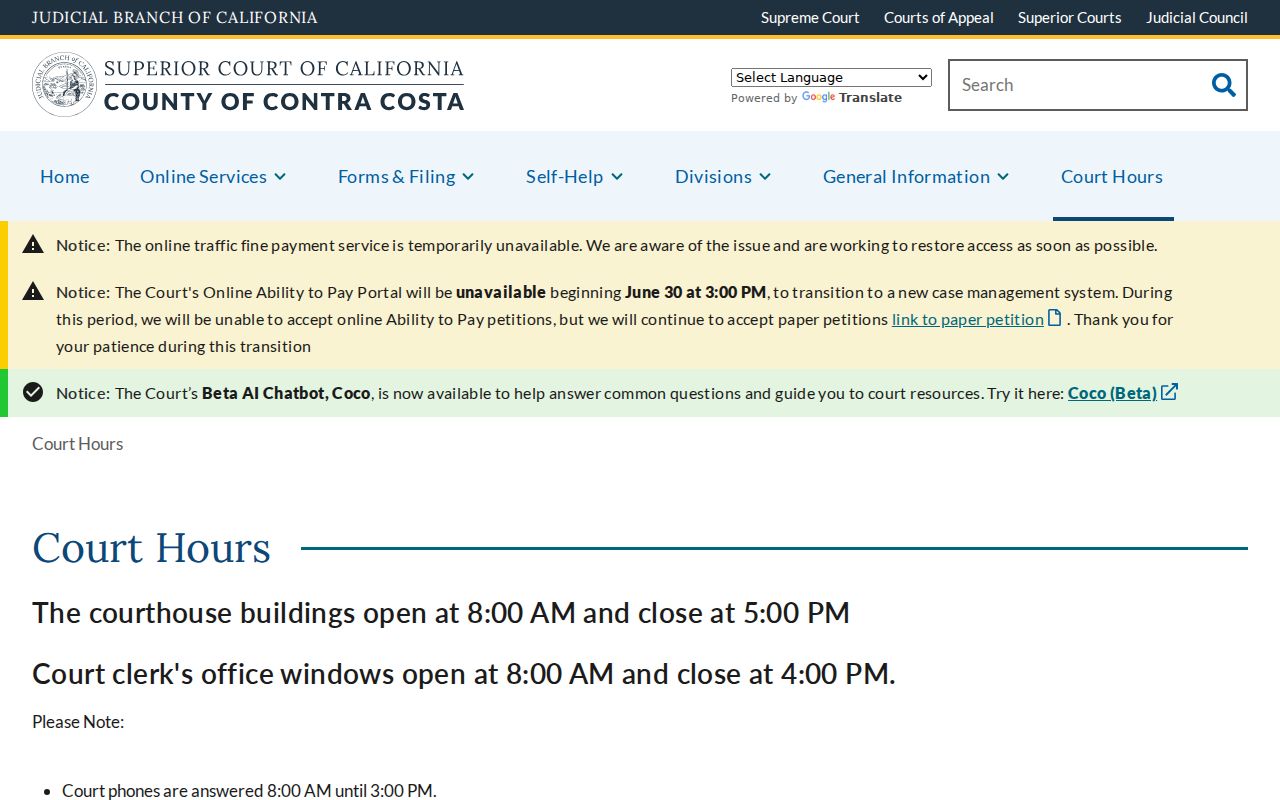
The court source should be checked again before a visit because holidays, relocations, and emergency closures can change counter access.
California Public Access Laws
The California Public Records Act governs many executive-branch records, including county and city agency files, but exemptions protect active investigations, confidential personal data, juvenile information, and safety interests. Court case records follow judicial access rules rather than the ordinary agency request process. California DOJ criminal-history dissemination is more restricted than a public court index.
Key statutes:
Government Code § 7921.000 establishes the California Public Records Act framework.
Penal Code § 11105 limits dissemination of state criminal-history information.
Penal Code § 1203.4 governs eligible dismissal relief.
Penal Code § 290.46 controls public Megan’s Law disclosures and use.
Copies, Searches, and Fees
Costs depend on the custodian and the service. Superior Court criminal copies are listed at 50 cents per page, with added charges for certification or record searches where applicable. City police departments set separate report and clearance-letter fees. A public-records request may also produce duplication costs when a large file must be copied.
| Superior Court criminal copy | $0.50 per page, plus any applicable certification or search charge. |
|---|---|
| Concord police report | $20. |
| Richmond police report | $10 per report. |
| California DOJ review | DOJ and Live Scan provider fees may both apply. |
Confirm current amounts before ordering. A fee does not guarantee release; the office must still apply access restrictions and verify that the requester is entitled to the document.
Restricted, Sealed & Expunged Records
California uses several kinds of record relief, and “expungement” is often shorthand for a Penal Code section 1203.4 dismissal. That relief does not erase every trace of a case or make every disclosure rule vanish. Sealing, automatic relief, juvenile confidentiality, and a dismissal each have different standards and effects. A court file may show that relief was granted even when an old copy still shows the original result.
The California Courts record-cleaning resources explain eligibility and forms. Relief is case-specific. People reviewing their own DOJ record may use the DOJ challenge process if information is inaccurate or incomplete rather than assuming a court petition is the right correction tool.
Why Three Records Can Disagree
A jail log reflects booking facts supplied at intake. The court file reflects charges prosecutors actually filed and the rulings that followed. A DOJ record compiles reports sent by law-enforcement and courts across California. Those sources may use different dates, offense descriptions, or status terms, and updates do not always arrive at the same time.
For a recent event, check custody first and then the court after filing. For a final outcome, rely on the court disposition rather than the original booking charge. For your own statewide history, compare the DOJ response with certified court records. This method treats disagreement as a cue to trace the record’s source, not as proof that one person has several separate cases.
Build a Focused Records Request
A precise request is easier for a records office to route and less likely to capture the wrong person. State the agency, record type, event date or date range, location, and known identifying number. Ask for an existing record rather than posing a broad question. For example, a request for a specified incident report belongs with the police agency that wrote it; a request for a filed complaint or final minute order belongs with the Superior Court.
| Person | Full legal name, aliases, and date of birth when disclosure rules allow. |
|---|---|
| Event | Approximate arrest, incident, filing, or disposition date. |
| Place | City, police jurisdiction, courthouse, or detention facility. |
| Identifier | Case, report, citation, or booking number. |
| Copy type | Inspection, plain copy, certified copy, or a named form. |
County agencies respond under the California Public Records Act, while the judicial branch uses court-record procedures. If an office redirects the request, follow the record creator. The Sheriff’s Records and ID page expressly routes criminal histories, dispositions, court dates, and warrant questions to Superior Court. That local division of work is more useful than sending the same request to several offices at once.
Probation and Parole Are Different
Contra Costa County Probation supervises eligible people under county court orders. CDCR’s Division of Adult Parole Operations supervises people released from state prison, while the Board of Parole Hearings makes specified parole decisions. The county Probation page identifies local services, and the CDCR Inmate Locator covers state prison custody rather than county jail.
View the county Probation source.
Contra Costa’s mobile probation services are a local access feature, but detailed supervision records can remain confidential.
City-by-City Criminal Records in Contra Costa County
City police agencies create incident and arrest reports, while felony and misdemeanor cases move to Contra Costa Superior Court because these cities do not run separate criminal municipal courts. Concord separates police copies, accident reports, and public-records requests across several channels. Richmond uses NextRequest and offers a detailed Records Section. Antioch accepts only certain no-suspect, non-emergency reports online and routes court work to East County.
The county demographics table identifies the three largest incorporated cities and supplies the population figures used here. Review the county demographics source.
The population ranking sets the city-page scope; it does not change which county court holds a filed criminal case.
Concord Record Check
125,410 · Police Records Unit, Coplogic, BuyCrash, and NextRequest channels.
Richmond Record Check
116,448 · Police records, incident logs, NextRequest, and West County court access.
Antioch Record Check
115,291 · Online incident reporting and East County criminal clerk service.
The county homepage is useful when a request falls outside the main record channels, such as a probation contact or a department-specific public file. Open the official Contra Costa County homepage.
The directory helps identify an office, but it is not a unified criminal-history database. Return to the court, Sheriff, city police, DOJ, CDCR, or registry source once the correct custodian is clear.